We use cookies
BidBetter uses cookies to improve your experience, understand site usage, and keep the platform working properly. Read our Privacy Policy.

What BidBetter helps you understand
Beyond the tender notice
What the buyer actually needs
Understand the operational outcome the contracting authority is trying to achieve — not just the advertised scope.
Whether you're a genuine fit
Your profile is matched against requirements. Strengths, gaps, and a clear Go / No-Go recommendation.
Which documents to prepare
Every required document identified, explained, and structured into a tailored submission checklist.
What to do next
A prioritised action list based on the tender, your profile, and identified risks — so nothing is missed.
What BidBetter produces
Four outputs that change how you work on tenders
Every analysis returns structured, actionable intelligence — not summaries or alerts.
📋 What the buyer actually needs
BidBetter reads past the description and tells you what the contracting authority is actually trying to achieve — the operational outcome, not just the advertised scope. This tells you how to position your response.
✅ Fit rating
Your business profile is matched against the tender's qualifying criteria. You see your strengths, the gaps you need to address, the risks you face, and a clear Go / No-Go recommendation.
📁 Required documents
Every required document is identified, explained, and structured into a submission checklist. You know what to submit, why it matters, and what it needs to contain.
🎯 Recommended next actions
BidBetter produces a prioritised action list based on the tender requirements, your profile, and identified risks — so you know exactly what to do next.
- 1. Register for compulsory site briefing immediately.
- 2. Renew Tax Clearance PIN if expiring before closing date.
- 3. Contact three past rural roads clients for reference letters.
- 4. Confirm CIDB registration is active and in correct class.
The workflow
From discovery to submission-ready
Find a tender
Your personalised feed surfaces relevant opportunities daily from official South African portals.
Analyse it
Run analysis in seconds. Get scope, requirements, documents, dates, and a bid strategy — in plain English.
Assess fit and risk
See your fit rating, gaps, disqualification risks, and what you need to verify before committing.
Prepare the right response
Submission checklist, document game plan, and tender assistant — everything to prepare a compliant bid.
Full feature overview
Everything in the BidBetter workspace
Tender Analysis
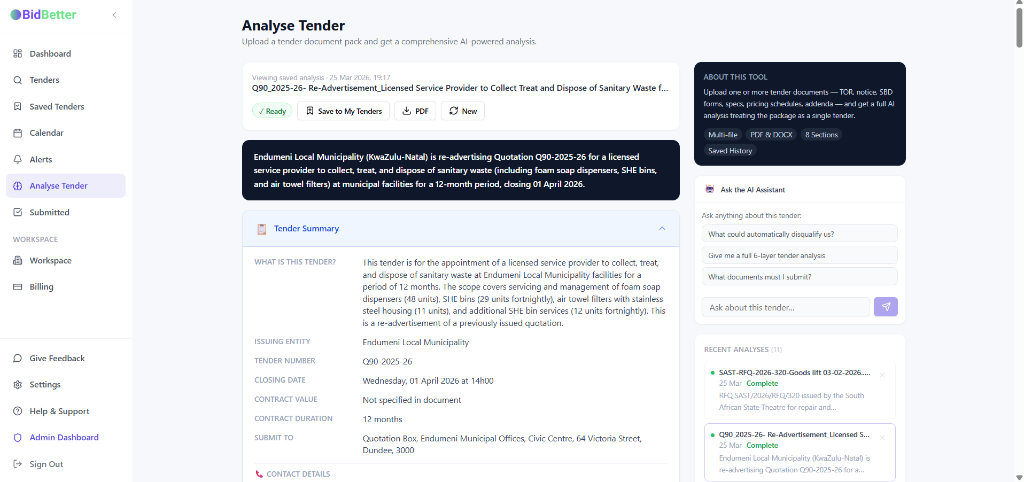
BidBetter reads a tender document and returns a structured, plain-English breakdown — covering scope, qualifying criteria, evaluator priorities, submission requirements, and bid strategy.
- What the buyer actually needs — not just the headline description
- Scope of work, location, and delivery requirements
- Section-by-section response strategy
- Bid strategy game plan with make-or-break items
Fit & Risk Assessment
Your business profile is matched against the tender requirements. You get a fit rating, a Go/No-Go recommendation, confirmed risks, gaps to address, and a list of priority verifications.
- Fit rating: Strong Fit / Possible Fit / Weak Fit / Not Recommended
- Confirmed disqualification risks vs risks needing verification
- User strengths and gaps identified against this tender
- Must-be-true conditions before committing to a bid
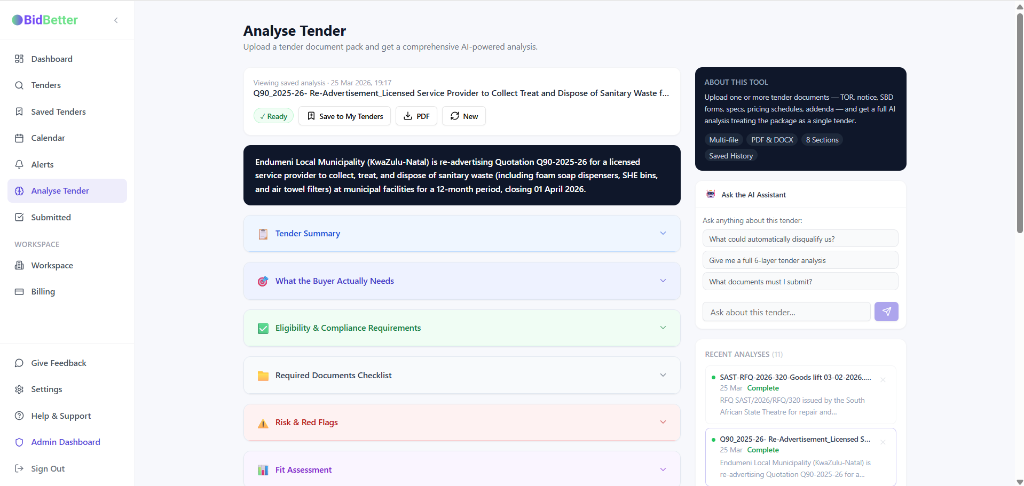
Required Documents & Submission Checklist
Every document required for submission is identified and explained — with context on why it matters and what it should contain. A collaborative checklist lets your team track preparation progress.
- Mandatory vs optional document distinction
- Why each document is needed and what to include
- Auto-generated from analysis — tailored to each tender
- Collaborative checklist shared across your workspace
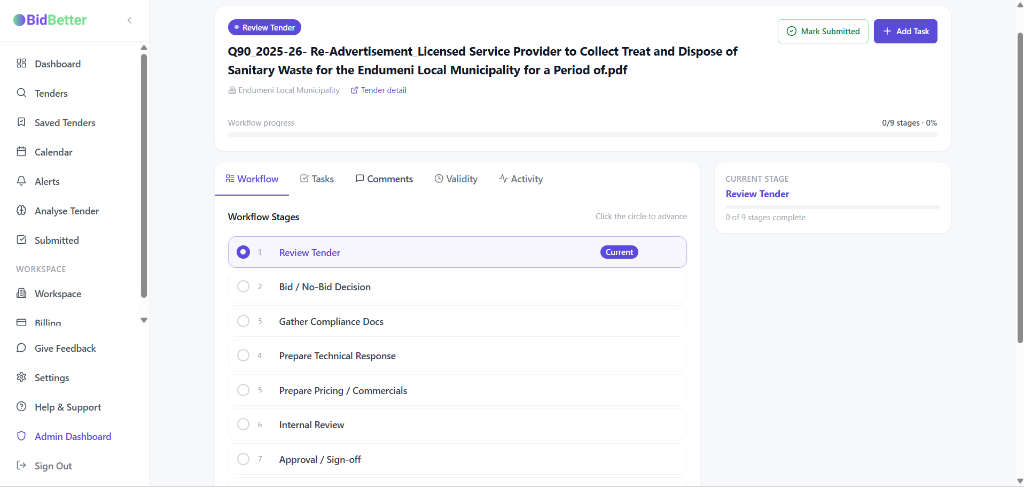
Tender Assistant
Ask any question about a specific tender and get answers grounded in the actual tender document and your uploaded materials — not generic AI responses.
- Answers are specific to this tender, not generic
- Compulsory briefing, CIDB requirements, submission method
- Clarification question suggestions built in
- Conversation saved per tender and workspace
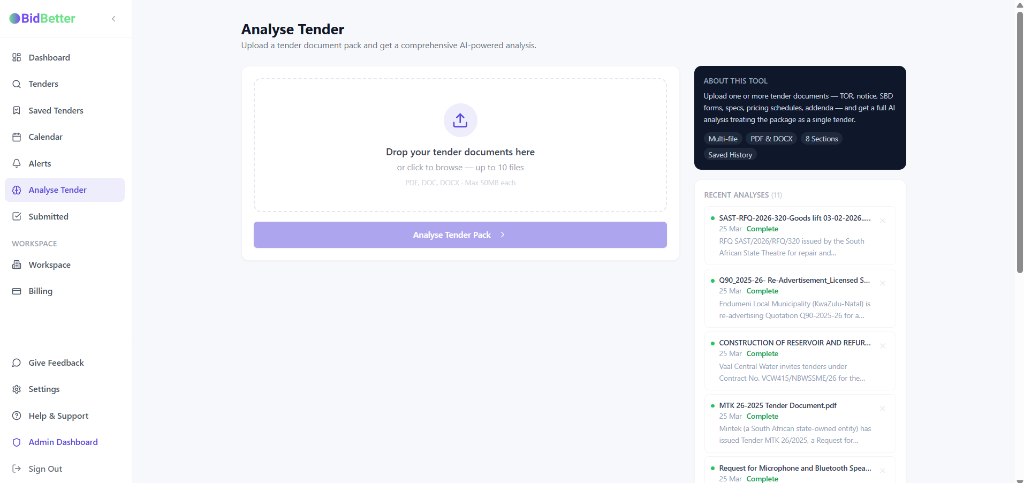
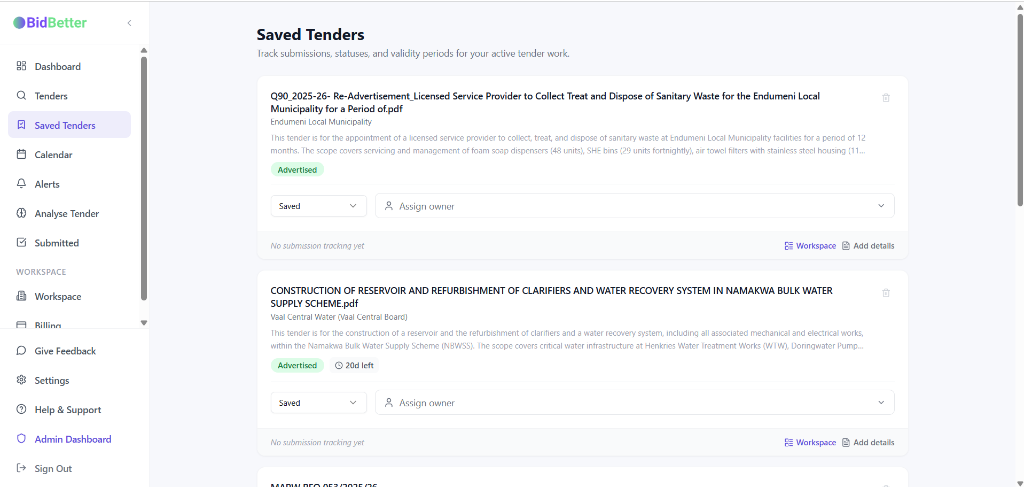
Matched Tender Discovery
Your personalised tender feed surfaces opportunities matched to your industry, provinces, and qualifications — sourced daily from official South African procurement portals.
- Sourced from eTenders and official government portals
- Matched to your industry, provinces, and categories
- Updated daily — new tenders surfaced automatically
- Search and filter by category, province, entity, and status
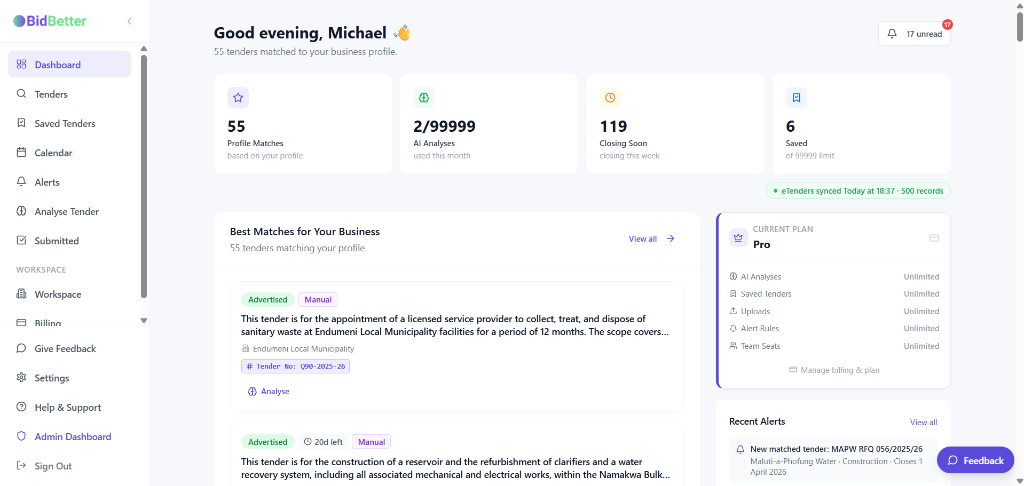
Alerts & Monitoring
Stay informed without manually checking portals. Set up alert rules for new matched tenders and get closing-soon reminders on tenders you're tracking.
- New matched tender alerts by category and province
- Closing-soon reminders for saved tenders
- Email and in-app notification delivery
- Configurable alert rules per workspace
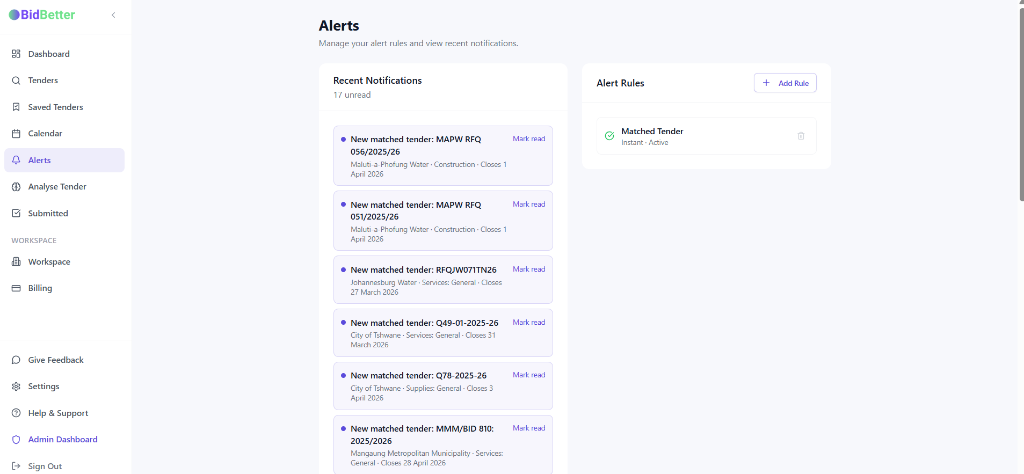
Tender Calendar & Events
Keep track of all important dates across your pipeline. Never miss a compulsory briefing or submission deadline again.
- Auto-syncs briefing and closing dates
- Create custom events and reminders
- View by month, week, or list
- Filter by tender or event type
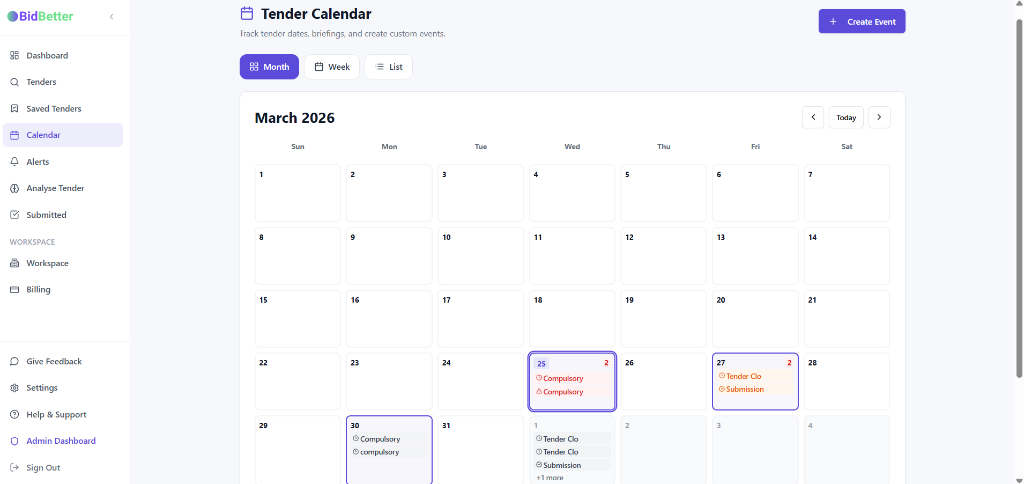
Saved Tenders & Pipeline
Manage your active bids in one place. Track submission status, assign owners, and monitor progress across your team.
- Track bidding status and outcomes
- Assign tenders to team members
- Monitor validity periods
- Centralised workspace view
Task Management & Workflow
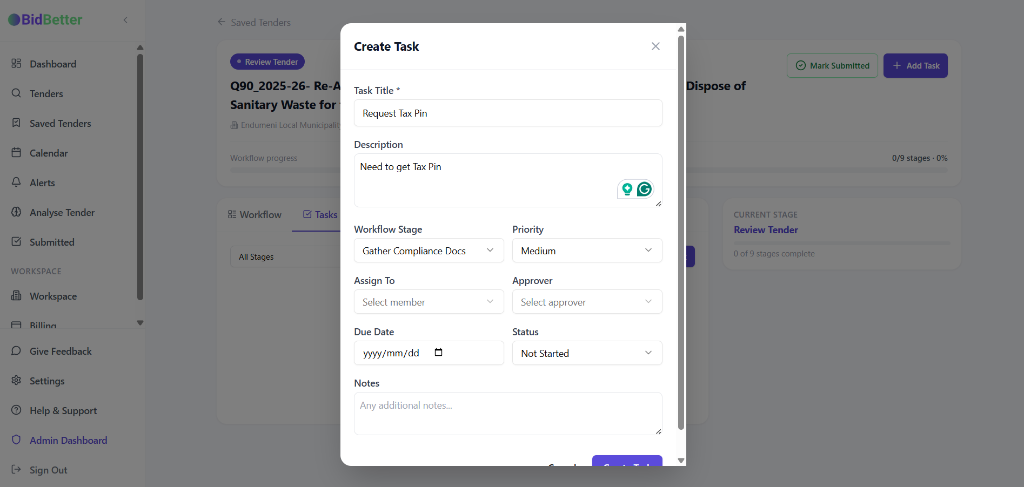
Break down bid preparation into manageable tasks. Assign work, set deadlines, and track progress through custom workflow stages.
- Create and assign tasks
- Track progress through workflow stages
- Set priorities and due dates
- Collaborate with team members
Tender Assistant
Ask anything about the tender
The BidBetter Tender Assistant answers questions grounded in the actual tender document — not generic AI responses. Ask about compulsory briefings, CIDB requirements, submission formats, or scoring criteria.
- Specific to this tender and its documents
- Covers compliance, scoring, deadlines, and risk
- Clarification question suggestions built in
- Conversation history saved per tender
Tender Assistant